A practice trip
Nothing gets sent. No location, no text, no message to anyone. Nothing to read. Want to see it again? You find it under Me.
An app by Schipper Security, since 1976
If you do not respond to ‘All good?’, Dagwacht calls you. Twice. Then your watchers hear about it. No password, no email, no manual. Below is the whole app, screen by screen.
Dagwacht works in five steps. You put the app on your phone and choose your watchers. You tap Start your trip (in the app for now: “Start je rit”) and send your watchers the link. They see your dot. If you stand still too long, Dagwacht asks ‘All good?’ (in the app for now: “Alles goed?”). If you do not respond, Dagwacht calls you twice. If you do not pick up, your watchers call you. When you are home, they hear two soft tones.
Last updated: · By Schipper Security, a security company since 1976 with its own control room
Your phone, screen by screen. Your watchers see your dot, without an app.
Tap Start your trip. Then you send Hattie and mum the link, with your own WhatsApp or a text message. They do not need to install anything. They do say yes once. Ask them before your first night.
Mum sees your dot and how much longer it will take. The timer works it out by itself, from your distance and your speed. Someone crosses the street. You tap “Call me, Hattie” (in the app for now: “Bel me, …”). You do not have to explain anything, and still you are not alone.
Within 50 metres of your door, sharing stops by itself. Or you tap it yourself.
You are home. The sun comes up on the screen. Watchers with the app hear two soft tones. Watchers with only the link hear it from you: the app gets the message ready. Mum reads: “Thanks for watching along.” After 72 hours we delete your trip. Only you could start it. Never your parent, never your employer.
Getting started takes a minute: your number, the code from the text, one person, and where home is. No password, no email.
First you. Then your people. In order.
Standing still too long, or not there on time? Then the app asks: ‘All good?’ Then once more, louder.
If you do not respond, your phone rings. A minute later, once more.
If you do not pick up, your first watcher gets a message: please call. If they do not call, the next one gets the message. You choose the order.
If nobody picks up, an operator takes over. Monitored: From 25 November.
Help is different: then all your watchers get your location after five seconds, all at once.
Watchers with the app hear two tones going up. Watchers with only the link hear it from you: the app gets the message ready.
We do not ask for anything we do not need yet.
Start with one person. One button: Get started (in the app for now: “Begin”). Then first a practice trip of one minute. Nothing gets sent.
It fills itself in.
You ask it yourself, with your own WhatsApp or a text message. Mum taps the link and chooses yes or no. Mum does not need to install anything.
An address, or “use my location now”.
Only during a trip, also when your screen is off. Then it stops. Never in secret.
Done. You already saw the practice trip. Want to see it again? Me › Do the practice trip again (in the app for now: “Ik › Doe de oefenrit nog eens”).
From age 16. Only you start a trip. You stop it yourself, with your PIN. So nobody else can switch off your trip.
Your first trip takes one minute. Rosie cycles home, Hattie watches along, and you see what happens if you do not respond.
Nothing gets sent. No location, no text, no message to anyone. Nothing to read. Want to see it again? You find it under Me.
Mum does not need to install anything. She gets a link, taps yes or no, and sees your dot when you are on your way.
Home is already filled in. After a few times, work and the sports club are there too. “Who is watching?” shows the groups of your watchers, up to fifteen people: tap them on or off for each trip. Then the big orange button: Start your trip. Going later? Below it is Plan your trip (in the app for now: “Plan je rit”).
The map, “±8 minutes to go”, “moving” in green, and who is watching. The timer works it out by itself, from your distance and your speed. Two small buttons: “Almost there” (in the app for now: “Ik ben er bijna”) and “Call me, Hattie”. At the bottom: Help, hold for three seconds.
Within 50 metres of your door, the sun comes up on the screen. Watchers with the app hear two soft tones. Watchers with only the link hear it from you: the app gets the message ready. In the morning it is at the top of the app: “Rosie got home at 02:14.”
Whoever watched along still sees your dot for half an hour. After 72 hours we delete your trip (after Help: 30 days). Only you could start it.
Tap Start your trip. Then you send Hattie and mum the link, with your own WhatsApp or a text message. The app gets the message ready. They do not need to install anything. They do say yes once. Ask them before your first night.
So nobody else can switch off your trip. Tap Stop and enter your PIN. Your watchers do not get a message, but they see on the page that you stopped. There is also a quiet way to ask for help.
Watching along is a request. Nobody has to respond. In an emergency, you call 112 yourself.
On Start, tap Plan your trip. One question per screen. Together (in the app for now: “Samen”) is one of the steps.
Walking, cycling, by car, or by train or bus.
Now, in 1, 2 or 3 hours, tonight at a set time, or a day up to two weeks ahead.
One of the Open doors, your town, or another place.
Home, or another place.
Choose the groups. If you have one group, all your watchers see it.
Tap yes, and you see which of your watchers is going the same way. You meet on a square or at a station, never at a front door.
You see your plan in one sentence: “You drive in 2 hours (20:15) from Veenendaal to home in Rhenen. Mum and Hattie can see it.” Tap Add to your plan (in the app for now: “Zet in je plan”). Then it is ready on Start. One tap on Start this trip (in the app for now: “Start deze rit”), and you go.
If you choose Now (in the app for now: “Nu”), your trip starts right away. Your watchers see that you are leaving now, with the question: “Are you coming along?” Whoever comes along, you see on the map.
By train or bus? Picking your train from the timetable, and seeing which of your watchers is on the same train: Coming soon. Your watchers see you on the train too.
The control room is the control room of Schipper Security (EN 50518). It answers in Dutch, only for Dutch mobile numbers, and only in the Netherlands. Abroad: what is different
Hold the button for three seconds. A ring fills up. Then you have five seconds to cancel with your PIN. Try it.
In immediate danger, you call 112. The “Call 112” button (in the app for now: “Bel 112”) is right next to it.
Start your trip. Your watchers see your dot until you are home. Or call one of them. That is not strange.
If you are not home when your time is up, the app first asks you: “All good?” If you do not respond, Dagwacht calls you twice. Only then do your watchers get your last location.
So nobody else can switch off your trip. If someone takes your phone, the trip keeps running. There is also a quiet way to ask for help.
After five seconds your watchers get your location. By accident? Open Dagwacht and cancel with your PIN.
The Help screen also shows the nearest of the Open doors that is open right now: “Walk there” (in the app for now: “Loop ernaartoe”). There you ask at the bar: ‘Mag ik de oranje sleutel?’
Ten examples. Each one is one situation, and what the app does then.
I am in Veenendaal and want to drive home to Rhenen in 2 hours. I tap Plan your trip: car, in 2 hours, Veenendaal, home. Mum and Hattie can see it. At 20:15 I tap Start this trip.
More about Plan your tripI am in a bar and want to go home now. I tap Plan your trip › Now › cycling. My trip starts right away, and my watchers get: ‘Rosie is cycling to Rhenen now. Are you coming along?’
I want to cycle with one of my watchers. In Plan your trip I tap Together. Tim is going the same way at 02:00. We meet at the market square.
More about Same way homeI take the 01:12 train from Utrecht Centraal. The app shows which of my watchers is on the same train. When we get off: home together from the station.
Picking your train from the timetable: Coming soon. For now you choose Train or bus and type the time yourself.
Rosie sends me a link. With it I see her dot until she is home. With the free app I hear two tones, and the top line in the morning says: ‘Rosie got home at 02:14.’
More about Watch alongI stand still by the bridge and do not respond to ‘All good?’. Then the app asks again, louder: ‘You are not responding. In 30 seconds mum gets a message to call you.’ Dagwacht calls me twice. If I do not pick up, mum calls. If mum does not respond, Hattie gets the message.
More about your watchersI hold Help for three seconds. My watchers get a message and my location right away. With Monitored (From 25 November) our control room does too.
More about HelpAn unpleasant conversation. I tap Excuse › Call me now. My phone rings, also on silent. I answer and say that I have to go.
More about ExcuseIt is late and I do not feel at ease on the street. In the app I see which of the Open doors is open now. I go inside and ask at the bar: ‘Mag ik de oranje sleutel?’ The staff can help me.
The practice trip shows the whole story in one minute: the trip, ‘All good?’, Hattie calling, and home. Nothing gets sent.
More about the practice tripDagwacht helps. Your watchers, and with Monitored our control room, do their best. It is not a guarantee. In an emergency, call 112.
Loud alarm on your own phone, Excuse to make your phone ring, and a quiet way to ask for help.
A siren and a flashing screen, on your own phone. A separate button below Help, hold it for one second. Only you switch it on. It does not go to your watchers or to 112.
Tap Excuse › Call me now. Your phone rings, also on silent, with a call screen and a voice that really answers. So you can get out of a conversation. Works without internet.
There is a quiet way to ask for help, without anyone next to you seeing it. How it works, you read in the app.
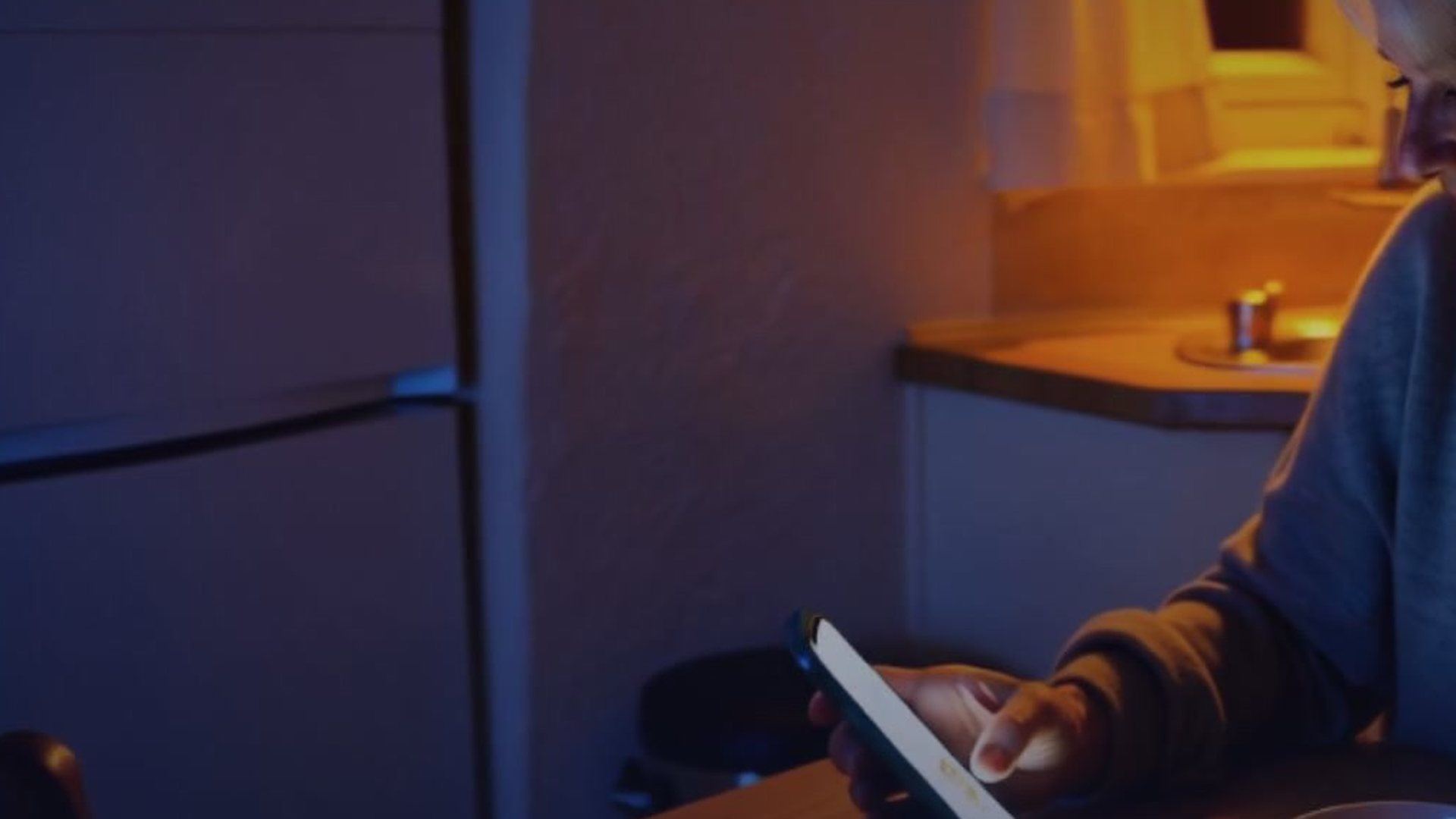
One tap on the link and mum sees your dot, how much longer it will take, and a button to call you. When you are home, watchers with the app hear two soft tones. Watchers with only the link hear it from you. Watching along is possible without an app and without an account.
Texts only go to Dutch mobile numbers (starting with 06). The watch page is in Dutch for now.
Read step by step how watching along works, on the phone of whoever watches along.
How watching along worksAfter the trip, the screen says: “Thanks for watching along, mum. You watched along 4 times this month.” (example) And in small letters: “Want someone to watch along with you too? Dagwacht is free.”
She texted: on my way.
We fell asleep. Nobody heard her come in.
At six I woke with a start: is she home?
With Dagwacht your phone gets a message as soon as she is inside: Rosie is home. Also at 02:14. Then you sleep till morning. In the morning it is at the top of the app: Rosie got home at 02:14.
Mum is asleep, and still she hears that you are home: choose Wake me up, Soft or Silent (in the app for now: “Maak me wakker”, “Zacht”, “Stil”).
A louder and longer sound, also when your phone is on Do Not Disturb. For anyone who wants to be sure, in the middle of the night.
The two soft tones when you are home. This is the standard setting.
Only a message on the screen, without sound.
You choose it per person, for when someone leaves and for when someone is home. And if someone asks for Help, you decide how loud that sounds for you: loud, normal or silent.
To be honest: on an iPhone set to silent, Wake me up does not work yet. That only becomes possible when Apple gives permission for it.
Whoever slept sees at the top of the app: Hattie got home at 02:14.
No searching, no texting. One line, and you know.
Your watchers in groups, and who calls you first. Your address and “How is your home doing?”, a two-minute scan. Your PIN. The practice trip again. With Monitored, also your code word.
Friday eight o'clock, Everyone home?, the Dagwacht button, starting a trip from your lock screen or with “Hey Siri”, and Merel, our chat helper.
You saw Start and Help above. Open doors that are open now are on Start and on Help. There is no More tab: everything is where you need it. With a business account there is one extra tab for Work. That part is only in Dutch for now.
The messages are in Dutch for now, like the app. The only loud sound is Loud alarm, the button you switch on yourself. Never: a message that looks like an emergency, or an offer inside a message.
No more “text me when you get home”. Now it is one tap.
Dagwacht does not replace 112. In immediate danger, call 112. With Monitored (From 25 November), our control room is the backup if nobody picks up.
First Dagwacht asks you: ‘All good?’ Then once more, louder. If you do not respond, Dagwacht calls you. Twice. If you do not pick up, your first watcher gets a message: please call. If they do not call, the next watcher gets the message. You choose the order. Only with Monitored, when nobody picks up: the control room.
You hold Help for three seconds. Then everyone in the group you chose gets your location and the request to call you. Was it by accident? Then you have five seconds to stop, with your PIN.
Not easily. For Help you hold the button for three seconds. You see a ring fill up. Then you still have five seconds to stop, with your PIN. Start your trip is not Help: your watchers then only see your dot. If you start a trip and do not leave, the app asks you first: are you still going? Your watchers are not told. Your first time is a practice trip. Then nothing gets sent.
No. You send them a link yourself, with WhatsApp or a text message. With it they see your dot in the browser. With the free app they automatically get a sign when you are home, and a notification when you need help. Texts only go to Dutch mobile numbers.
Excuse is the fake call in Dagwacht. Tap Excuse › Call me now, and your phone rings, also on silent, with ‘Mum’ on the screen. Answer and talk along. Then you have a reason to leave.
iPhone, in the Dutch App Store: see the download page. Google Play, for Android: Available now. The app is in Dutch for now, and you need a Dutch mobile number.
More questions: all questions about Dagwacht.
Free. The app is in Dutch for now, and you need a Dutch mobile number.
The store pages are in Dutch.
These pages are in English. A few other pages are still only in Dutch, and so are these things: